December 2024 updates
News
•
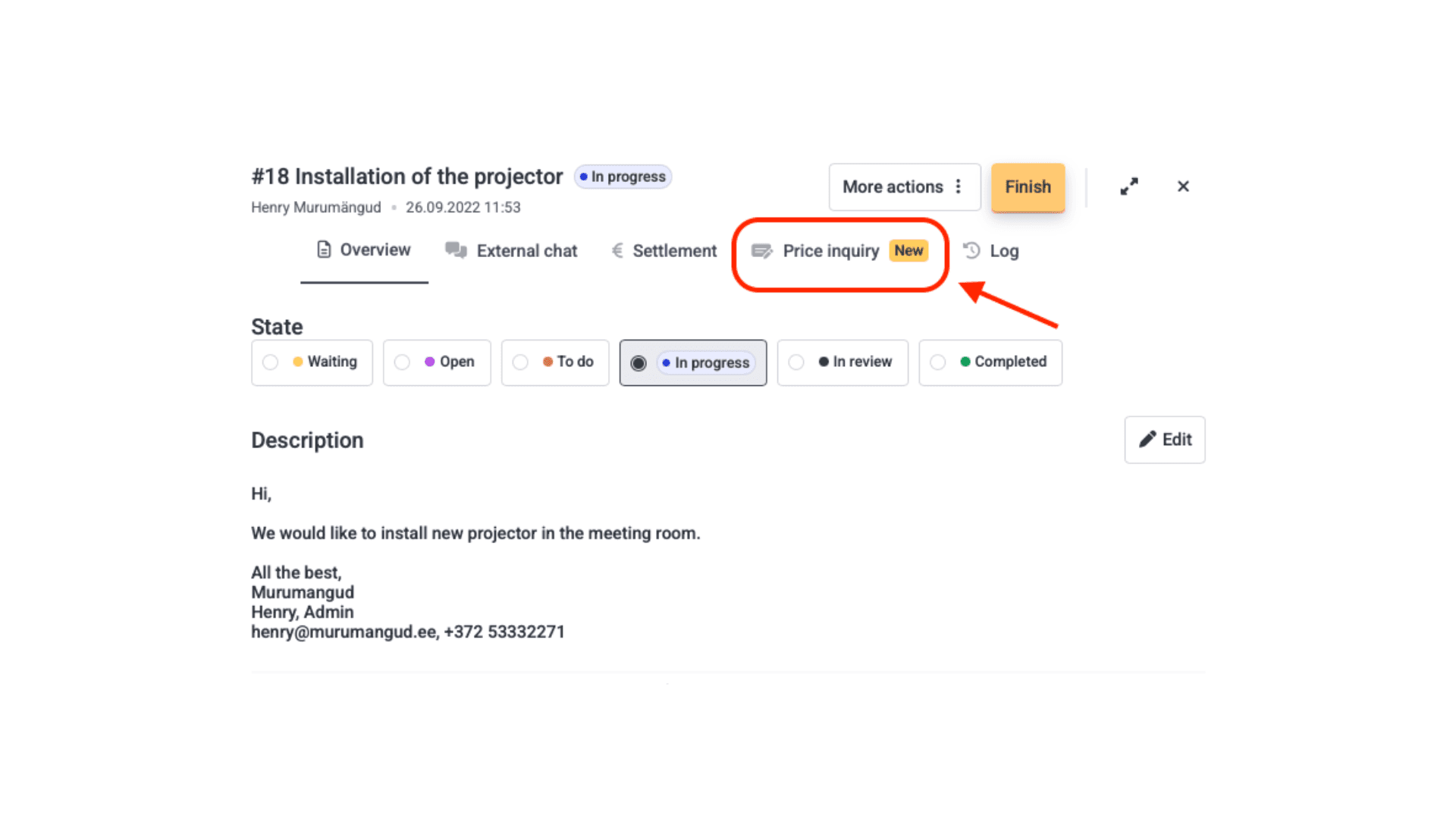
Table of Contents
Be the first to know about our latest projects and news
New design and enhanced user experience
Reports - You can now view information related to your buildings directly in a table view within Hausing. Filter by different buildings, spaces, periods, etc. The option to download the data as an Excel file remains available.
Devices view - The devices view for objects has transitioned from the old design to the new one. Additionally, the menu for adding devices has a completely refreshed look, allowing you to add or modify device activities, location, purchase details, and other information.
Price inquiries in the tasks menu
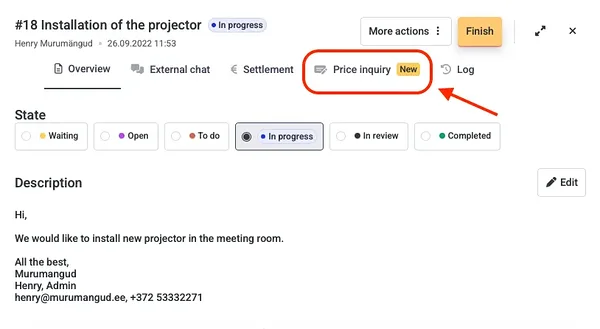
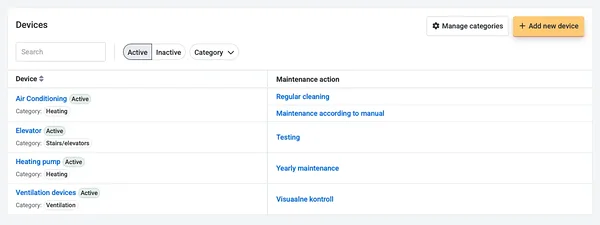
You can now request a price for a specific task directly from the tasks module by opening the task ticket.
This functionality is still in the testing phase and is currently available for free to all users. After the testing period, it will become a paid feature.
With this feature, you can see:
Who the request was sent to,
The content of the request,
The date the request was sent,
Whether the request has been accepted,
The specific prices received.
How to send a price request in Hausing:
Open the Tasks menu,
Open the relevant ticket,
Select Price Inquiry from the top row,
Click Add price inquiry,
Fill in the fields, save, and the request will be sent to the desired email.
Other updates
In the maintenance diary, when opening a preventive maintenance task, you can immediately view related files and the maintenance guide.
The Inspections module received a few updates: inspections can now be reopened, and new variables have been added.
In this article / TLDR
In December, two menus— Reports and Devices, received a new look and improved usability. Additionally, we introduced a brand-new feature in the tasks menu, which is available for all users to test free of charge during the testing phase.
Related insights

Are you ready?
Centralize your property management workflows.
December 2024 updates
News
•
Table of Contents
Be the first to know about our latest projects and news
New design and enhanced user experience
Reports - You can now view information related to your buildings directly in a table view within Hausing. Filter by different buildings, spaces, periods, etc. The option to download the data as an Excel file remains available.
Devices view - The devices view for objects has transitioned from the old design to the new one. Additionally, the menu for adding devices has a completely refreshed look, allowing you to add or modify device activities, location, purchase details, and other information.
Price inquiries in the tasks menu
You can now request a price for a specific task directly from the tasks module by opening the task ticket.
This functionality is still in the testing phase and is currently available for free to all users. After the testing period, it will become a paid feature.
With this feature, you can see:
Who the request was sent to,
The content of the request,
The date the request was sent,
Whether the request has been accepted,
The specific prices received.
How to send a price request in Hausing:
Open the Tasks menu,
Open the relevant ticket,
Select Price Inquiry from the top row,
Click Add price inquiry,
Fill in the fields, save, and the request will be sent to the desired email.
Other updates
In the maintenance diary, when opening a preventive maintenance task, you can immediately view related files and the maintenance guide.
The Inspections module received a few updates: inspections can now be reopened, and new variables have been added.
In this article / TLDR
In December, two menus— Reports and Devices, received a new look and improved usability. Additionally, we introduced a brand-new feature in the tasks menu, which is available for all users to test free of charge during the testing phase.
Related insights
Centralize your property management workflows.